Warranties, manuals and receipts — per item
Your dishwasher, heat pump, deck or fence: add everything in your home that needs looking after as an item — with the details you always end up searching for.

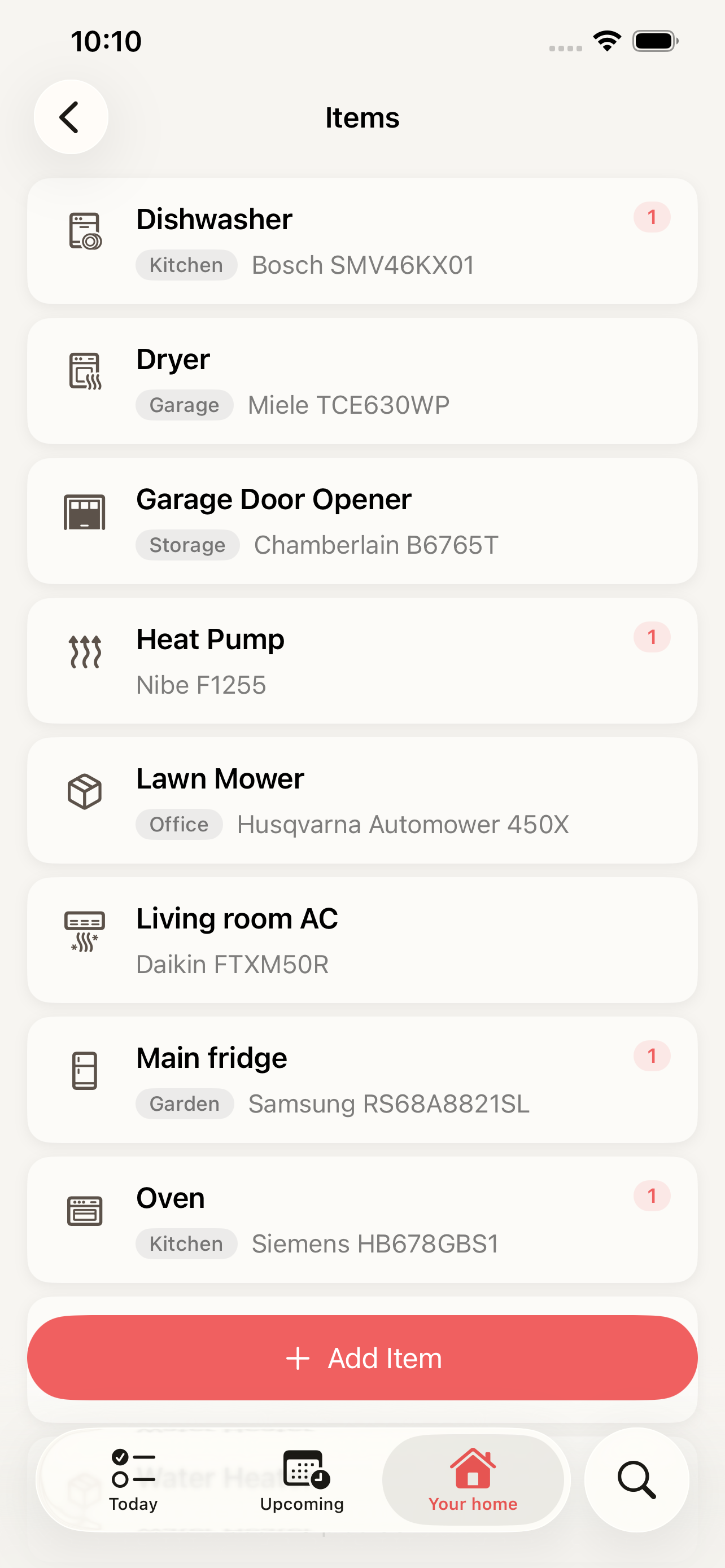
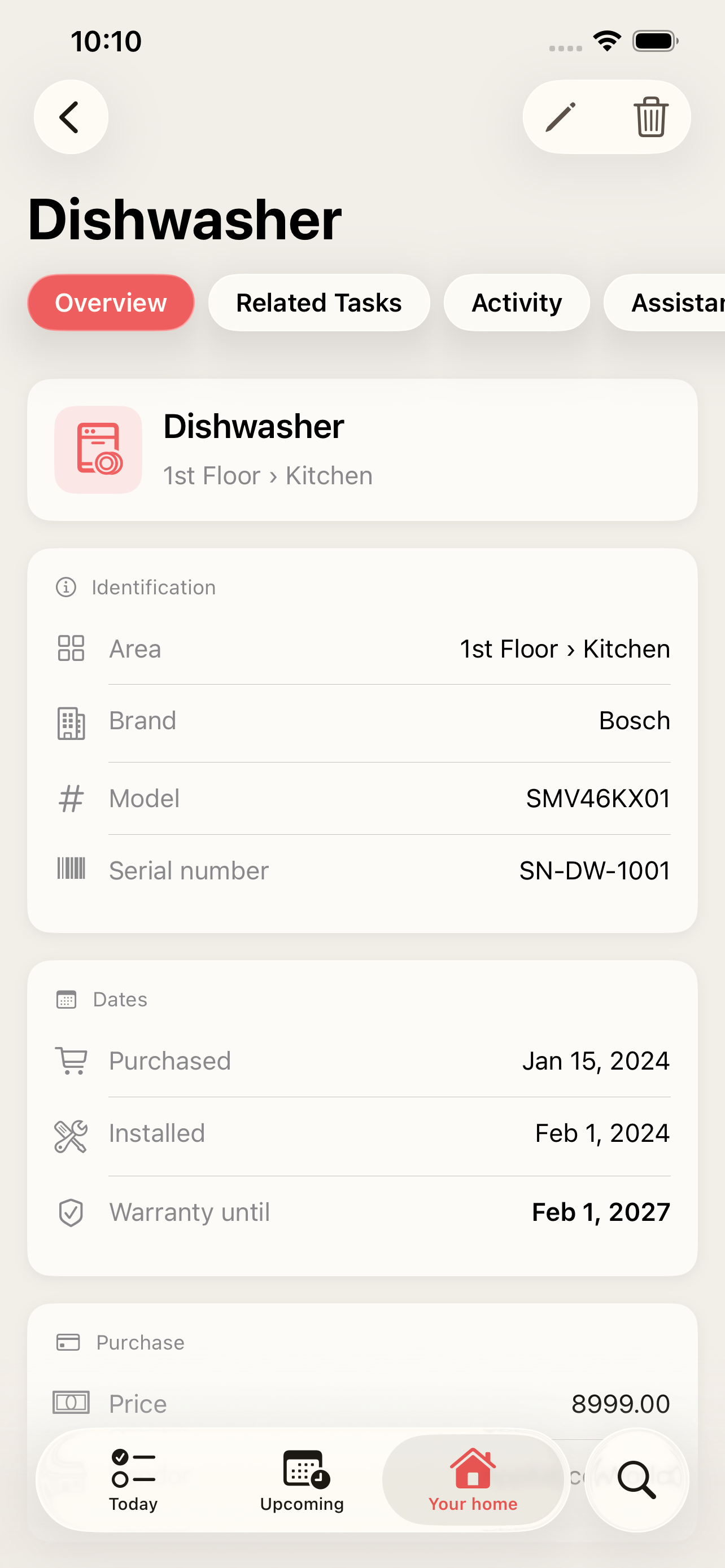
All the details in one place
Brand, model, serial number, where it is, when it was bought and installed, price, vendor and notes — plus your own properties, like filter size or paint colour.
Warranties you won't miss
Enter the warranty end date and House health flags it when it ends within 30 days, with a countdown for every item.
Receipts and manuals attached
On the Max plan, attach photos, PDFs, web links and text notes to each item — the receipt and the manual right where you need them.
Maintenance linked to the item
Link recurring tasks like "Descale the coffee machine" to the item, so its care and its paperwork live together.
How it works
-
1
Add an item — name it, pick an icon and the area it belongs to.
-
2
Fill in what you know: brand, model, serial number, purchase and warranty dates.
-
3
Attach the receipt, the manual or a link to it (Max plan).
-
4
Link maintenance tasks, and keep an eye on warranties in House health.
Frequently asked questions
Can I add things that aren't appliances?
Yes. An item is anything in your home that needs looking after — a fence to paint, a deck to oil, a driveway — not just machines.
Which plan do I need?
Free includes up to 5 items, Pro up to 20 and Max unlimited. Attaching documents and photos is part of Max. See pricing.
How do I know a warranty is about to end?
House health on the Your home tab shows warranties ending within the next 30 days as "Needs attention", and lists a countdown for every item with a warranty date.
More features
Recurring home maintenance tasks with reminders
Set up home maintenance once as recurring tasks. HomeTendr reminds you when filters, gutters and smoke detectors are due — and keeps the schedule going.
The history of everything you've done to your home
Log renovations and bigger home projects with date, cost, rooms, notes and photos, and see them on a timeline — perfect when you sell your home.
An AI assistant that knows your home
Ask what needs attention, get maintenance suggestions based on your own home and approve them with a tap. The HomeTendr AI assistant is included in every plan.