Recurring home maintenance tasks with reminders
Filters, gutters, smoke detectors, the heat pump service: add each job once and HomeTendr brings it back when it is due. No more remembering — or writing the same to-do again every year.

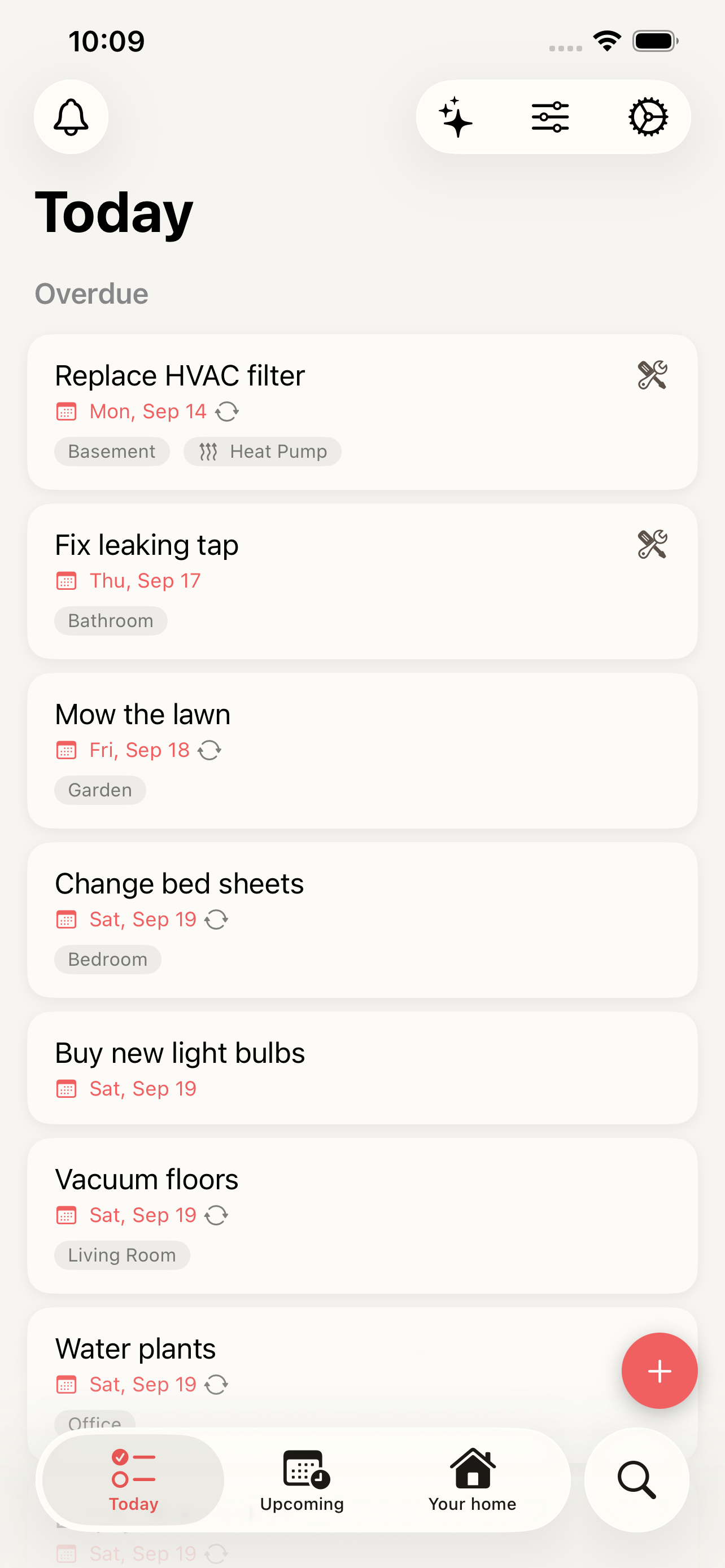
Set it up once
Tasks repeat daily, weekly, monthly, yearly or at your own interval — on a fixed schedule, or counted from the day you last did the job.
Jobs for a season, not a day
Some work just needs doing sometime in August. Give a task a period instead of a date and it stays on your list for as long as the window is open.
Reminders when it is due
Get a notification when a task is due or overdue, and see today and the weeks ahead in Today and Upcoming.
Skip without losing the rhythm
Nothing to do this round? Skip the task this time, or skip a seasonal task until a later date — the schedule carries on.
How it works
-
1
Tap the plus button in Today and give the task a name.
-
2
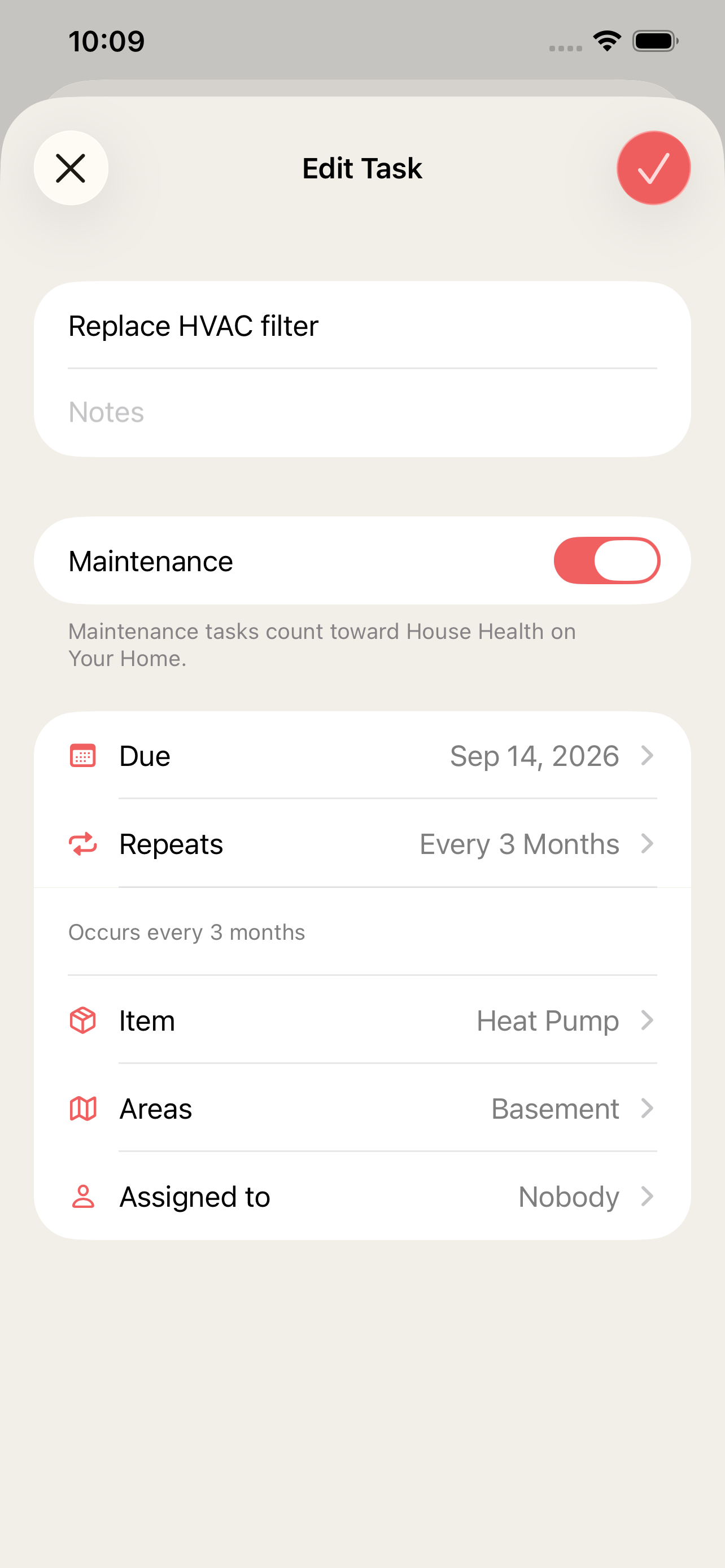
Choose when it is due and how often it repeats.
-
3
Link it to an area and an item — and, if you share the home, to the person who should do it.
-
4
Tick it off when it is done. The next occurrence shows up by itself.
Frequently asked questions
How many tasks can I have?
As many as you need — tasks are unlimited on every plan, including Free. See pricing for what the plans add.
What is the difference between a fixed schedule and repeating from completion?
A fixed schedule keeps its dates — the first of every month, whatever happens. Repeating from completion counts from the day you actually did the job, which suits things like changing a filter every three months.
What happens if I miss a task?
It stays in Today as overdue until you complete or skip it. Overdue maintenance tasks are also shown in House health.
Can I assign tasks to other people?
Yes. When you share the home you can assign a task to any member — just this occurrence, or every time it comes back. More about shared homes.
More features
Warranties, manuals and receipts — per item
Register appliances and other things in your home with brand, model, serial number and warranty date, and keep receipts and manuals attached to each one.
The history of everything you've done to your home
Log renovations and bigger home projects with date, cost, rooms, notes and photos, and see them on a timeline — perfect when you sell your home.
An AI assistant that knows your home
Ask what needs attention, get maintenance suggestions based on your own home and approve them with a tap. The HomeTendr AI assistant is included in every plan.