Share your home with the whole household
A home is rarely run by one person. Invite everyone who lives there, share the tasks and see what has been done — without a group chat full of reminders.

Invite with a code
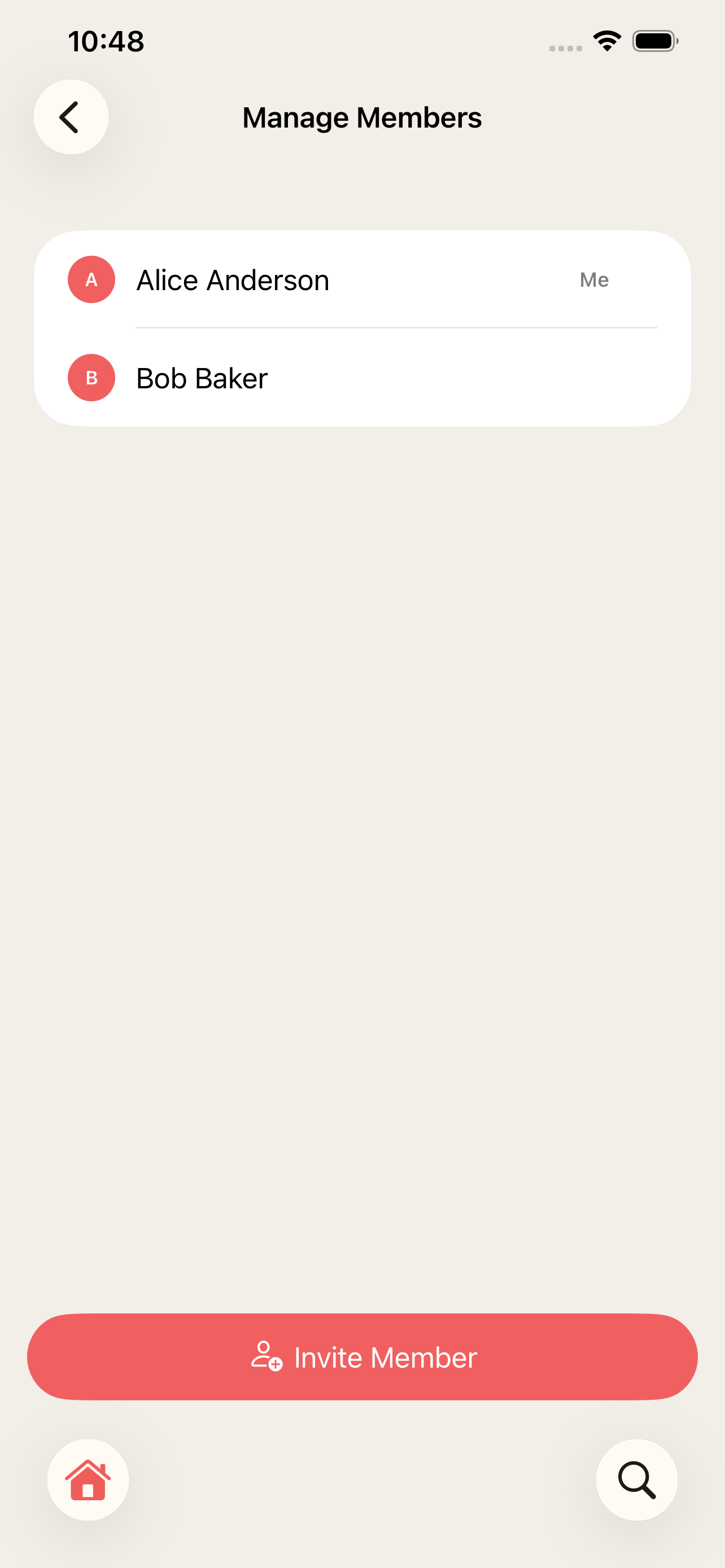
Invite members with a code they type in or scan. Everyone sees the same tasks, items, areas and history.
Assign and share the work
Assign a task to someone for one time or for every time it comes back, and see how the work is shared in the statistics.
Stay in the loop
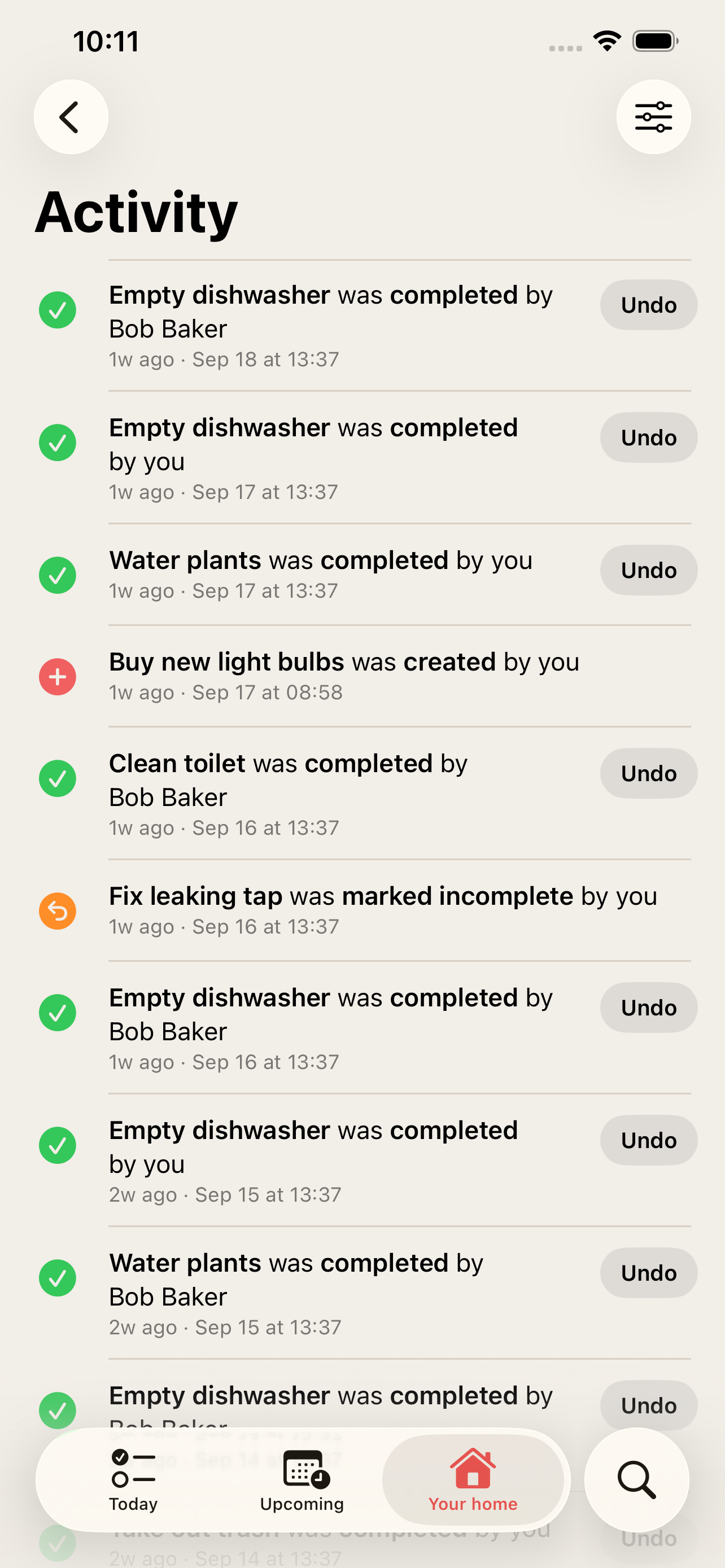
Get notified when someone else completes, changes or adds something — never about your own actions.
One subscription for everyone
Only one person pays. The subscription unlocks the whole home for every member.
How it works
-
1
Go to Members under Your home and tap Invite Member.
-
2
Share the code — the other person enters or scans it in their app and joins your home.
-
3
Assign tasks, or let everyone pick them up from Today and Upcoming.
-
4
Follow along in the activity log and the statistics.
Frequently asked questions
How many people can join?
Free is for one person. Pro includes up to 10 members and Max has no member limit. See pricing.
Does everyone need their own subscription?
No. One subscription covers the whole home — whoever pays, every member gets access.
Who can manage the members?
The owner and admins can invite and manage members. The owner can also hand the home over to another member.
More features
Recurring home maintenance tasks with reminders
Set up home maintenance once as recurring tasks. HomeTendr reminds you when filters, gutters and smoke detectors are due — and keeps the schedule going.
Warranties, manuals and receipts — per item
Register appliances and other things in your home with brand, model, serial number and warranty date, and keep receipts and manuals attached to each one.
The history of everything you've done to your home
Log renovations and bigger home projects with date, cost, rooms, notes and photos, and see them on a timeline — perfect when you sell your home.